


Tutorials on ASP.NET Core, Blazor, jQuery, JavaScript, Entity Framework, Identity, WordPress, SQL, HTML & more
ADO.NET – Create Records in ASP.NET Core
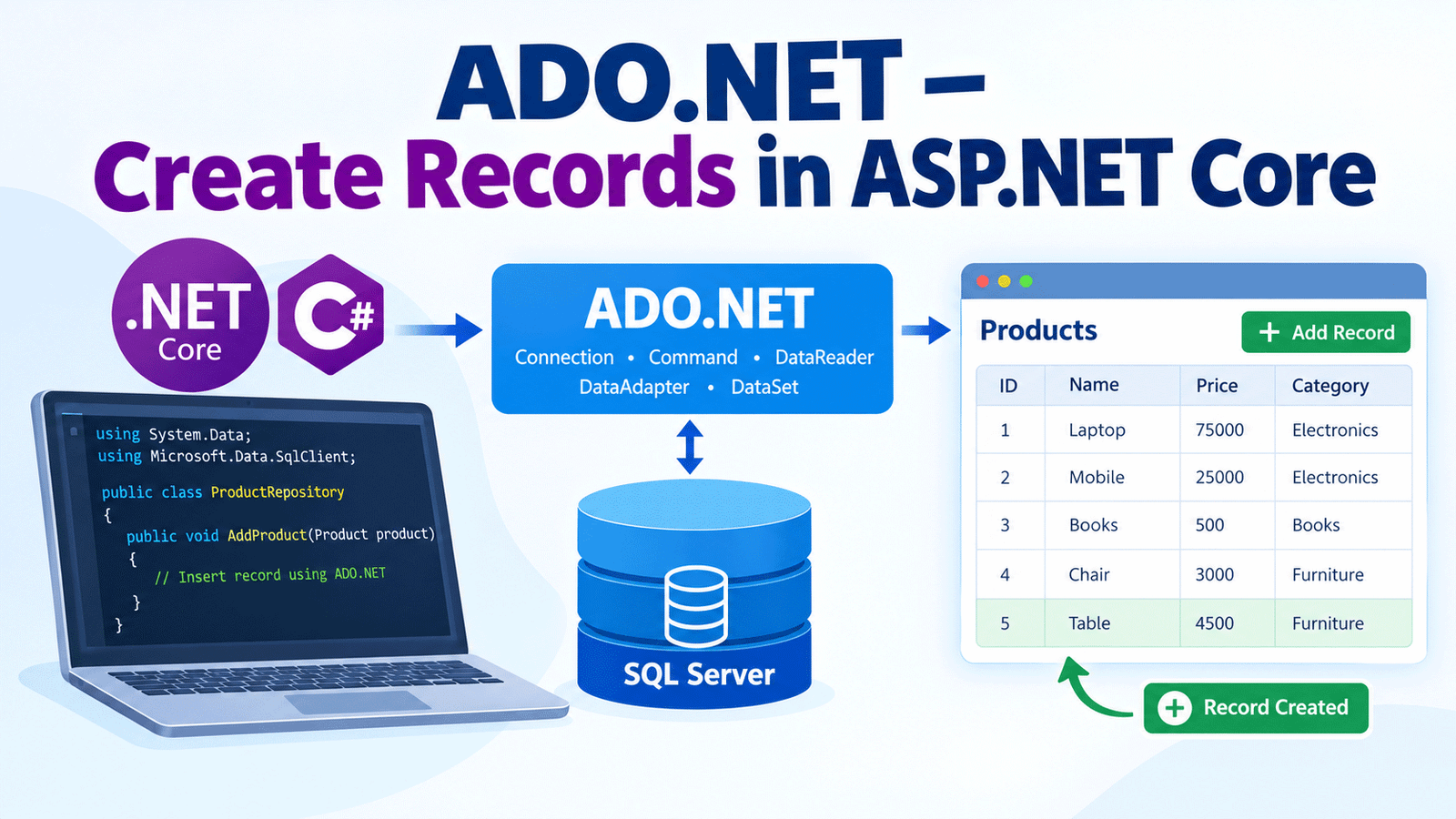
Learn how to create database records with ADO.NET in ASP.NET Core by building an Inventory form that inserts new rows into a SQL Server database. Creating records is the first step of CRUD (Create, Read, Update, Delete) operations, and this tutorial shows the complete process with working code.
In this tutorial you will:
- Build an Inventory form in an ASP.NET Core MVC application
- Use ADO.NET classes such as
SqlConnectionandSqlCommandto insert data - Save new inventory records to a SQL Server database
Prerequisite: This tutorial builds on the previous lesson, where we covered what ADO.NET is, its main components, and how it performs database operations. If you are new to ADO.NET, start with Learn ADO.NET by Building CRUD Operations in ASP.NET Core before continuing.
Page Contents
Learn ADO.NET by building CRUD Operations in ASP.NET Core
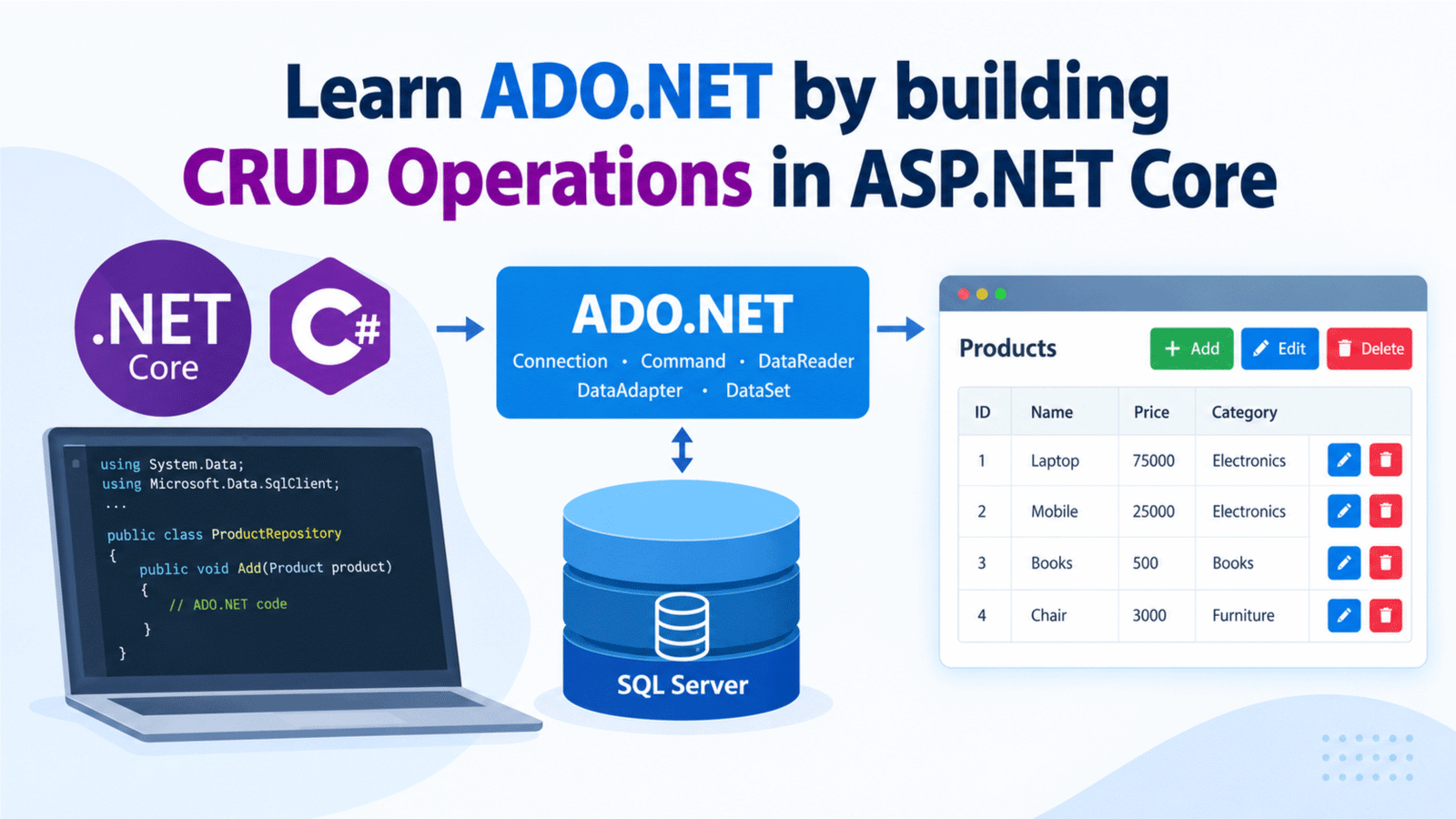
ADO.NET (ActiveX Data Objects for .NET) is Microsoft’s data access technology in the .NET Framework and .NET. It provides a set of classes for connecting to a data source, running commands, and retrieving or updating data. It’s the foundation that higher-level tools like Entity Framework are built on.
The ADO.NET framework defines a number of namespaces to interact with a Relational Database System like Microsoft SQL Server, Oracle, MySQL, etc.
(more…)ASP.NET Core Filters – Dependency Injection, Global Filters, Order of Execution & Filter Order
Let's start with the Advanced filter Topics - Filters with Dependencies, Global Filters, Order of Execution of Filters & Changing Filter Order. We covered Filters from start on previous tutorial called Filters in ASP.NET Core – Beginner to Expert level, if you haven't checked it make sure to do so.
(more…)Filters in ASP.NET Core – Beginner to Expert level

Filters in ASP.NET Core are used to run code before or after certain stages in the request processing pipeline. There are many built-in filters for authorization, logging, caching, exception handling and so on. Filters also help to avoid code-duplication in our projects.
What is difference between middleware and filters in .NET Core? Middlewares operate on each and every request coming to a .NET Core app on the other hand Filters operated only on request coming to MVC pipeline. Middlewares do not have access to HttpContext but filters have. We can run filters on specified actions and controllers (cannot do this on Middlewares) unless we register the filter globally in the program class.
(more…)How to use jQuery Remove Method for removing Elements from DOM
When you want to remove an element from the DOM use jQuery Remove Method. The .remove() will remove elements along with its children.
(more…)Model Validation in ASP.NET Core [Beginner to Expert]
What is Model Validation in ASP.NET Core? Model Validation is a technique to provide rules for model properties and validating these rules so that they are not broken. When rules are broken then appropriate error messages are displayed to the clients and this helps the clients to rectify the problems.
In this tutorial we are going to learn Model Validation with examples. So let us start without any delay.
(more…)Advanced Model Binding Concepts in ASP.NET Core
In this tutorial we will cover some of the most Advanced Model Binding Concepts with examples.
(more…)Model Binding in ASP.NET Core from Beginner to Advanced
What is model binding in ASP.NET Core? It is a process to Extract Data from HTTP Requests and provide them to the arguments of Action Method. Models contain the data that forms the business logic of the app. They are basically C# classes that contain the data from a database or other data source.
In ASP.NET Core there are 2 most important topics dealing with Models:
- 1. Model Binding – a process of extracting data from HTTP request and providing them to the action method’s arguments.
- 2. Model Validation – a process to validate the Model properties so that invalid entries are not entered in the database.
In this tutorial you will learn about Model Binding process in details.
(more…)Custom Tag Helper in ASP.NET Core
In the last tutorial we covered Built-In Tag Helpers in ASP.NET Core. Now we will learn to create Custom Tag Helper for transforming the html elements with C# codes. We will take a lot of examples so make sure to go through each of the sections on this tutorial.

This tutorial is a part of the series called Tag Helpers in ASP.NET Core. It contains 3 tutorials.
- 1. Introduction to Tag Helpers in ASP.NET Core
- 2. Built-In Tag Helpers in ASP.NET Core
- 3. Custom Tag Helper in ASP.NET Core
Built-In Tag Helpers in ASP.NET Core
Many of the ASP.NET Core Tag Helpers comes pre-built in the framework and are represented as asp-* attributes. They perform tasks like enhancing forms, validation messages, designing layouts and so on. In this section I am going to discuss about the built in Tag Helpers for Form, Input, Select, Label, Anchor, Text Area elements, CSS, JS and Cache.
This tutorial is a part of the series called Tag Helpers in ASP.NET Core. It contains 3 tutorials.
- 1. Introduction to Tag Helpers in ASP.NET Core
- 2. Built-In Tag Helpers in ASP.NET Core
- 3. Custom Tag Helper in ASP.NET Core
Please Consider Donating us
We are helping millions of Beginners and Professionals to learn new programming technologies.
Please consider donating us:




HELLO EVERYONE
 Welcome to YogiHosting - A Programming Tutorial Website. It is used by millions of people around the world to learn and explore about ASP.NET Core, Blazor, jQuery, JavaScript, Docker, Kubernetes and other topics.
SUBSCRIBE TO NEWSLETTER
Enter your email address to subscribe to this blog and receive notifications of new posts by email.
Join 90K other subscribers